Your route,
on the display.
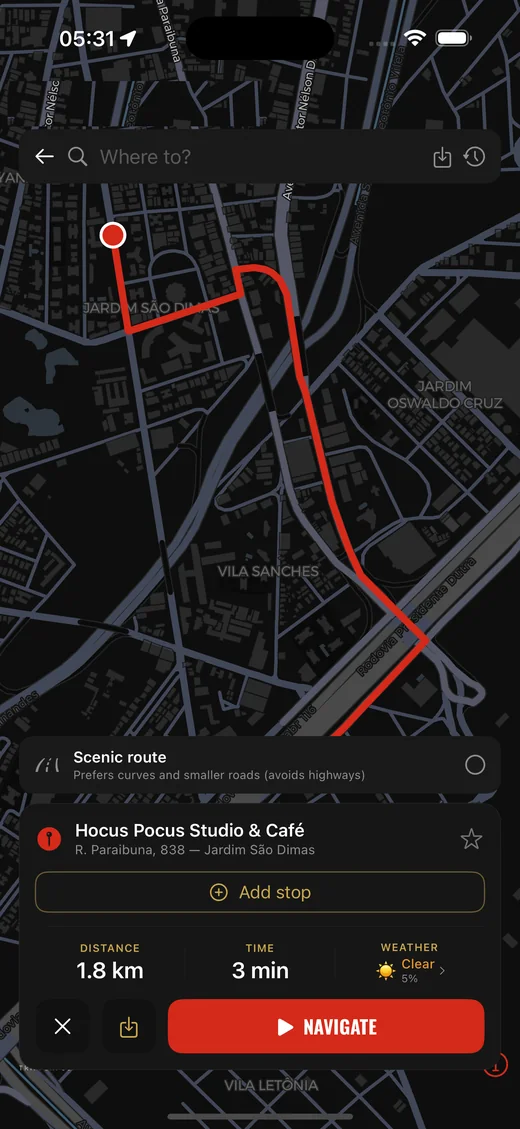
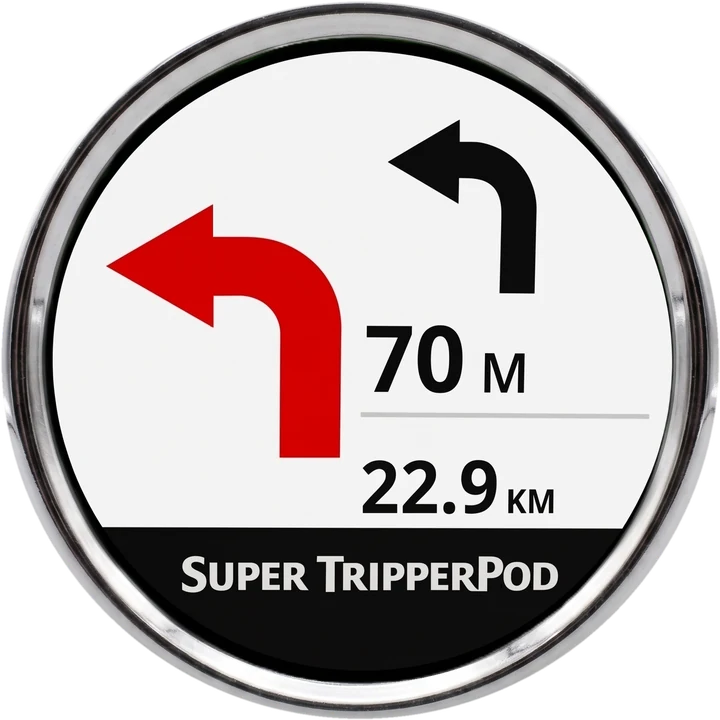
Super TripperPod connects your phone to the TripperPod display on your handlebars and sends every turn, distance and arrival time to it. Navigate with our offline map, Google Maps or Waze, eyes on the road.


Free to download · Android and iPhone · No ads, no account · * Waze: Android only.
The app on your phone.
The directions on the display.
Everything was built for the road: big arrows, the next turn in advance, and nothing that makes you reach for the phone.
Offline navigation, made for the display
Our own turn-by-turn navigation, calculated on the phone. Download the maps of your region and ride without signal or mobile data.
- Next turn in advance: a second, smaller arrow shows what comes right after the current manoeuvre.
- Address search, stops along the way, scenic route and saved trips.
- Voice guidance, speed camera and speed limit alerts, and the weather along the route.
Or keep the maps app you already use
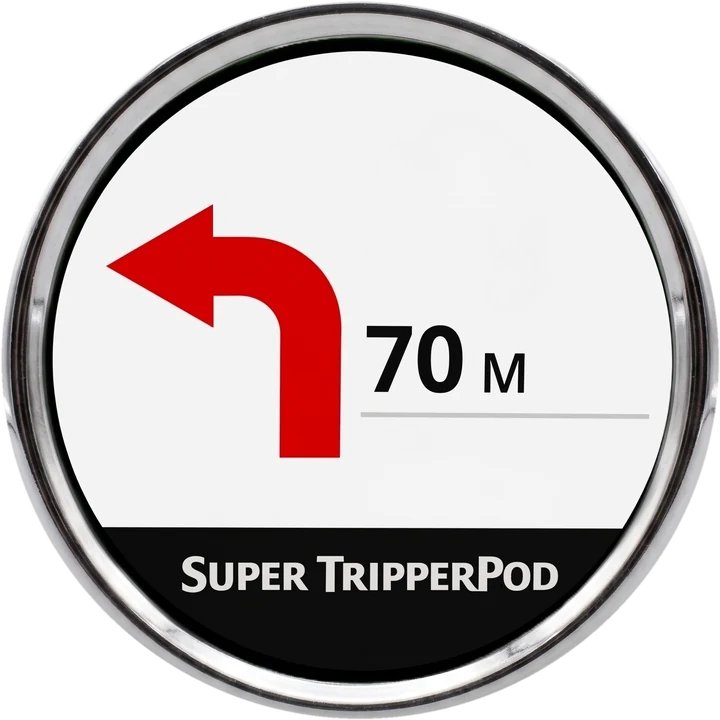
Navigate in Google Maps or Waze as usual. Super TripperPod reads the directions in the background and sends the arrow, the distance and the time to the display.
- Waze Mode shows Waze speed cameras on the display, even without a route (Android).
- Works with the phone locked or in another app.
- Exact roundabout exits, including left-hand traffic countries.
Every trip, remembered
Recent and planned trips with distance, time, average speed and the route on the map, coloured by speed.
- Export any trip as GPX.
- Share a Stories-ready image of your route.
- Summary of kilometres ridden in the last 30 days.
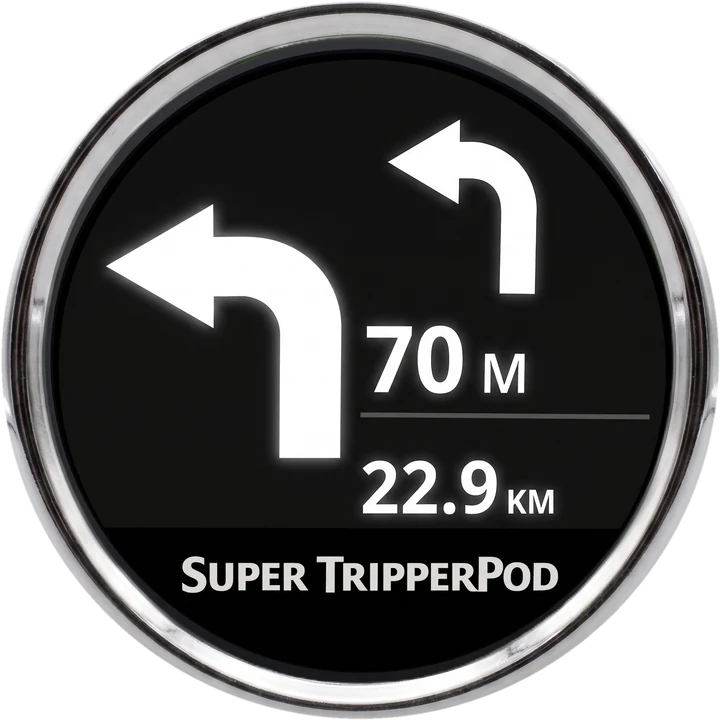
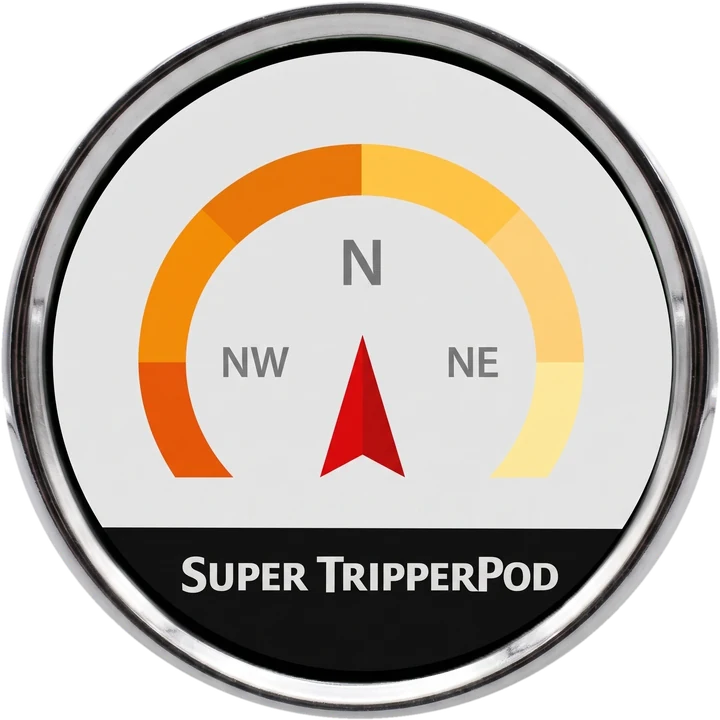
One display, many faces
The TripperPod stays useful even when you are not following a route.
Small details, big difference
Automatic reconnection
Switch the bike off and on: the app reconnects to the display by itself.
Works in the background
Lock the phone, take a call, play music. Navigation on the display keeps going.
ETA your way
Choose arrival time, time remaining or distance to the next street.
Speed cameras
Voice and display alerts for speed cameras and speed limits.
Setup for your phone
Step-by-step battery settings for your phone's brand, so the connection never drops.
Private
No ads, no account, no login. Your trips stay on your phone.
Ready in minutes
No account, no complicated setup.
Install and allow the permissions
The app asks for Bluetooth and, for Google Maps mode, notification access. Each step is explained on screen.
Connect to the TripperPod
With the bike on, tap Find TripperPod. The first time, type the 6-digit PIN shown on the display. Next time it reconnects by itself.
Choose how to navigate
Set your destination on the internal map, or start the route in Google Maps or Waze.
Enjoy the ride
The display shows the arrow, the distance and, if you want, your arrival time.
Free to download. Unlock what you use.
Navigation features are unlocked by a one-time purchase or a subscription, managed by the App Store or Google Play. New users usually get a free trial from the store.
External Mode
- Waze and Google Maps on the display
- Waze speed cameras
- Compass mode
- Free with any yearly subscription
Internals
- Offline internal map
- Address search and stops
- Own turn-by-turn with the next turn in advance
- Voice, speed cameras and weather on the route
Internals Pro
- Everything in Internals
- Google Maps guided navigation inside the app
- External Mode included
Subscriptions renew automatically until cancelled in the store. On iPhone, navigation comes with the Internals subscriptions. Riders who bought the app when it was paid on Android keep the compass and the external map as founders. Details in the Terms of Use.
Requirements
* Waze: Android only.
Questions riders ask
Which display does it work with?
With the original TripperPod: the round navigation display mounted on the handlebars. The app talks to it over Bluetooth, just like the official app.
Do I need internet?
Not with the internal map: download the maps of your region and the route is calculated on the phone. Google Maps and Waze follow their own rules.
Does it work with the phone locked?
Yes. You can lock the phone, switch apps or play music. On some brands (Xiaomi, Samsung, Oppo, Realme…) the app guides you through the battery settings so Android does not stop it.
Is Waze available on iPhone?
No. Waze Mode needs a compatible Waze build that only exists for Android. On iPhone you can use the internal map. See the Waze tutorial.
The compass does not work
TripperPods with firmware older than 12.10 may have a faulty compass. Everything else works normally.
How do I cancel a subscription?
In the store where you subscribed: App Store (Settings › your name › Subscriptions) or Google Play (Payments and subscriptions).
Is it an official app?
No. Super TripperPod is an independent app made by a rider in Brazil, not affiliated with the display's manufacturer.
Ready to ride?
Free to download on iPhone and Android. No ads. Just you and the road.